Table of Contents (15 sections)
Creating a smart shop layout is essential for enhancing the customer experience and driving sales. As the retail landscape continues to evolve, leveraging technology and strategic design in your store can attract and retain customers. In this article, we will explore ten essential tips for optimizing your smart shop layout, ensuring you offer a seamless and engaging shopping experience.
1. Understand Your Customer's Journey
The first step in designing an effective smart shop layout is to understand your customer's journey. By analyzing how customers navigate through your store, you can create an optimized path that encourages exploration and engagement. For instance, research shows that 70% of purchasing decisions are made in-store. Mapping out the customer flow—entrance, key product displays, checkout areas—can help you to minimize friction points and create a more enjoyable experience.
2. Incorporate Technology Strategically
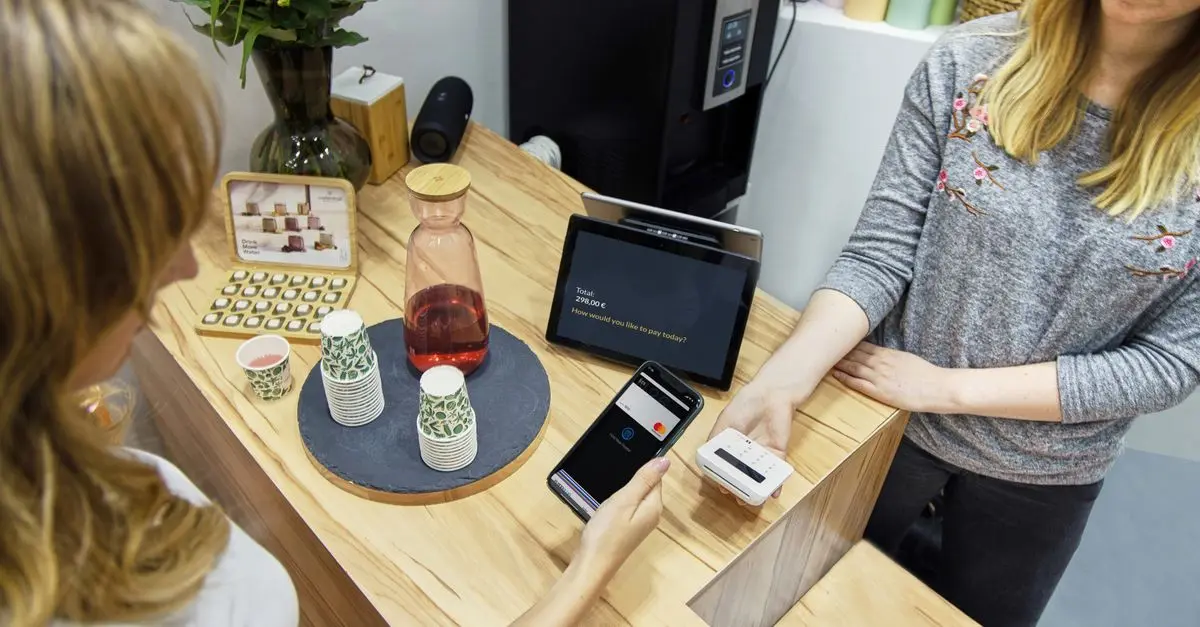
In today's digital age, integrating technology into your layout can significantly enhance customer interaction. Smart displays, interactive kiosks, or mobile integration can all be leveraged to provide real-time information to customers. For example, utilizing augmented reality features can guide customers through promotions or product information effectively. This technological infusion not only keeps customers informed but also engages them uniquely, enhancing their overall shopping experience.


3. Use Zoning to Define Areas
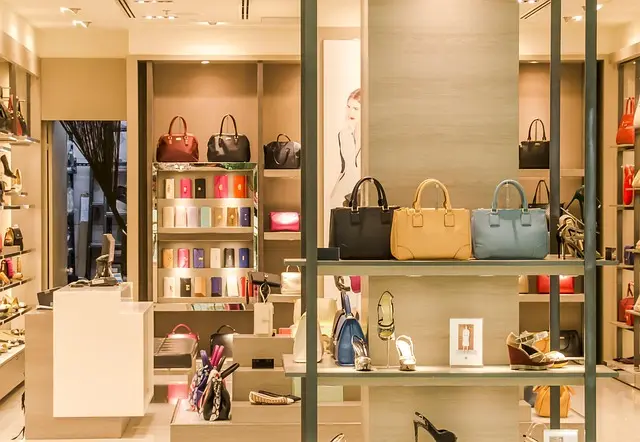
Zoning is essential in any smart shop layout. Different areas within the store should have distinct purposes, whether for product showcases, checkout, or customer service. By creating designated zones, you facilitate smoother traffic flow and make it easier for customers to find what they need. For instance, placing high-demand products at the back encourages customers to explore other areas of the store on their way to the checkout, increasing impulse purchases.
4. Optimize Product Placement
Consider the psychological principles of product placement. Items placed at eye level are significantly more likely to be purchased. According to a study by NPD Group, planogram (product display) optimization can yield a 30% increase in sales. Think about the 'hot zone': space in the store where customers naturally gravitate. Utilize this area for high-margin items or seasonal promotions to maximize sales potential.
5. Create Open Spaces
While shelves and displays are important, having ample open space in your layout plays an equally critical role. Open spaces allow for easier navigation and a comfortable shopping environment, which can encourage customers to spend more time in-store. A study by Retail Minded indicates that customers are 30% more likely to make a purchase when they feel unpressured and comfortable moving around the shop. Ensuring that pathways are not congested can lead to a more positive shopping experience.
6. Utilize Signage Effectively
Good signage can direct customers and enhance their shopping experience. Clear, informative signs that highlight sales or product categories can reduce confusion and improve the flow of traffic. Incorporating digital signage can further enhance this by allowing for real-time updates and promotional changes. According to UFC-Que Choisir, well-placed signage can increase sales by up to 20% in some retail environments.
7. Focus on Lighting
The right lighting can dramatically change the perception of your store's environment. Highlighting products with focused lighting can draw attention, while soft lighting in seating or checkout areas can create a more inviting atmosphere. Woods Bagot, an architecture and design firm, suggests that optimal lighting enhances the aesthetic of the store, influencing customer mood and potentially increasing attendance and purchase rates.
8. Encourage Social Interaction
Design your layout to encourage social interaction among customers. Incorporating communal spaces such as lounges or cafes can create a relaxed shopping atmosphere that encourages longer visits. Retail environments that facilitate social connections lead to increased spending, as customers linger and explore more products. Always consider including seating areas where customers can rest and discuss products, fostering community within the store.
9. Implement Flexibility in Design
As trends and customer preferences evolve, having a flexible layout allows you to adapt quickly. Modular fixtures and movable displays enable quick changes without a complete redesign. This flexibility not only helps in seasonal repositioning but also allows for quick adaptation to current trends, enhancing the shopping experience continually. Designers at Populous have noted trends that change can lead to over 25% increase in foot traffic when layouts are flexible.
10. Gather Feedback and Analyze.
Finally, gathering customer feedback on your layout is crucial. Utilizing tools such as customer satisfaction surveys or heat mapping can help you understand how customers interact with different zones in your store. Regularly analyzing this data can guide improvements in the layout, ultimately making customer experiences better over time. In turn, data-driven decisions can lead to enhanced layout strategies that successfully meet customer needs.
Conclusion
Implementing these ten essential tips will help you optimize your smart shop layout, ultimately leading to improved customer experiences and increased sales. Remember to continually assess and refine your approach based on customer feedback and trends. The retail landscape is always changing, and staying ahead means being agile and responsive to customer needs.
Checklist before layout optimization
- [ ] Understand the customer journey
- [ ] Incorporate helpful technology
- [ ] Define clear zoning in the store
- [ ] Optimize product placement
- [ ] Create sufficient open spaces
- [ ] Use effective signage
- [ ] Focus on optimal lighting
- [ ] Encourage social interaction areas
- [ ] Implement a flexible design
- [ ] Gather and analyze customer feedback
Glossary
| Terme | Définition |
|---|---|
| Smart Shop Layout | A retail space designed to optimize customer experience through technology and strategic design elements. |
| Zoning | The process of defining areas within the store, each serving a distinct purpose to enhance customer navigation. |
| Modular Fixtures | Moveable display elements that allow retailers to adapt their store layout quickly according to changing demands or trends. |
> 🧠 Quiz rapide : What is an essential element of a smart shop layout?
> - A) Narrow aisles
> - B) Technology integration
> - C) Static displays
> Réponse : B — Technology integration helps enhance the shopping experience.
📺 For further exploration: Learn how to leverage technology to improve retail layouts. Search on YouTube: "smart shop layout design 2026".
📺 Pour aller plus loin : smart shop layout design 2026 sur YouTube
Recommended products
Selected by our experts
Bloc Dessin Layout Pad A3 - 75G - 70 Feuilles -
Darty FR
This layout pad is perfect for sketching your smart shop layout ideas, ensuring that every element is thoughtfully placed.
Smartphone Yonis bleu 1
Darty FR
Using a smartphone for digital inventory management can streamline processes and enhance customer engagement.
Brassard de Sport pour Smartphone jusqu'à 58 Modèle Sprinter Noir
Darty FR
This sports armband for smartphones is a great accessory for staff to manage their devices while assisting customers on the floor.