Table of Contents (10 sections)
Understanding Smart Shop Layouts
Designing an engaging smart shop layout begins with understanding what a smart shop is. A smart shop integrates technology into its physical space to enhance customer experience and operational efficiency. These layouts employ digital displays, intelligent kiosks, and even predictive analytics to streamline the shopping journey. According to statistics from Forrester Research, retailers that implement smart technologies have seen a 30% increase in customer satisfaction, indicating a direct connection between layout design and customer experience.
Moreover, an effective smart shop layout considers various elements such as product placement, signage, and customer interaction points. It’s crucial to create a space that not only draws customers in but also ensures they find what they need effortlessly. This layout helps in reducing shopper frustration and optimizing product visibility, leading to increased sales. In the following sections, we will explore detailed steps to create such a layout.
Step 1: Set Clear Objectives
Before diving into the design, it’s essential to define the core objectives of your smart shop layout. Ask yourself: What experience do I want to deliver? Is it increasing dwell time, improving sales conversions, or enhancing customer interactions? Setting specific goals helps inform design decisions. For example, if the aim is to increase product engagement, your layout should encourage exploration, possibly through interactive displays.
Start by creating a roadmap of what you wish to achieve, which may include improved foot traffic, increased product visibility, or enhanced brand experience. Using tools like SWOT analysis can also help identify strengths and weaknesses in your current layout, allowing for targeted improvements. In this step, consulting with stakeholders, including your staff, can provide insights into customers’ pain points and assist in forming a comprehensive layout strategy.
Step 2: Analyze Customer Behavior
Understanding customer behavior is critical to creating an engaging smart shop layout. Employ analytics tools to track how customers navigate through your space. Heat maps can show high-traffic areas while customer feedback can provide insights about their shopping experiences.
For instance, a study published by the Journal of Retailing found that 60% of customers prefer a shop where they can easily locate products. Utilize tools such as mobile apps that monitor foot traffic or in-store movement to refine your layout based on real data. With this information in hand, ensure that high-demand products are easily accessible while placing impulse-buy items near checkout points.
Engage with customers through surveys and interact with them on social media regarding their preferences, which can significantly impact the layout design. Focusing on customer flow patterns will enhance convenience, ultimately leading to increased sales and customer satisfaction.
Step 3: Design the Flow of the Shop
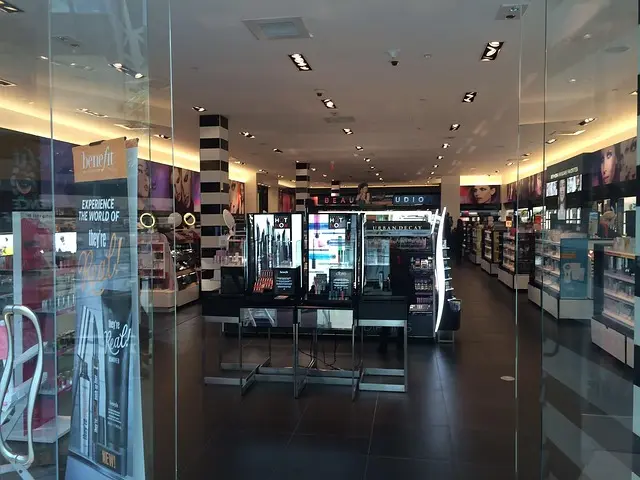
A well-structured flow is crucial for any smart shop layout. Start by mapping out the customer journey from entrance to checkout. Determine natural pathways that guide customers through the space. Common layouts include grid, racetrack, and free-form designs. Each type serves varying purposes; for instance, grid layouts are efficient for grocery stores, while free-form layouts enhance luxury retail experiences.
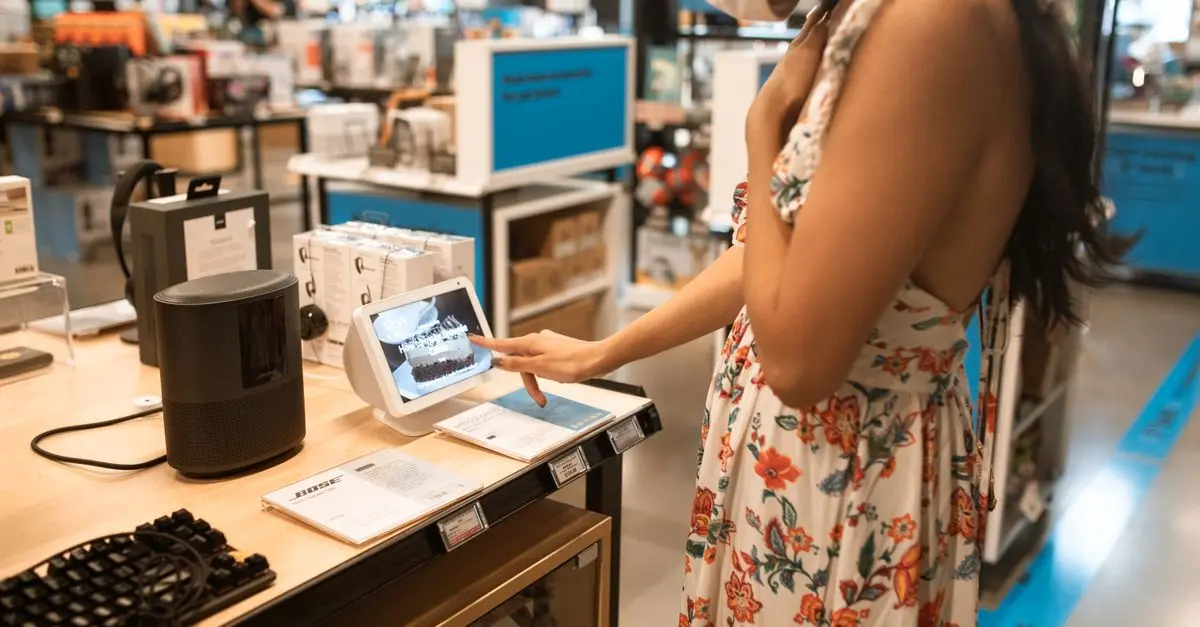
Incorporate interactive elements like smart kiosks that allow customers to search for products or access information. According to Retail Dive, 75% of shoppers appreciate technology that simplifies their shopping process. Creating dedicated zones within your shop can also help segregate product categories, making navigation intuitive. Use clear signage and ensure your layout allows for easier movement, helping decrease wait times and enhancing the overall shopping experience.
Step 4: Implement Smart Technologies
Bringing technology into your shop layout can significantly improve customer engagement. Start with digital displays to highlight promotions or new arrivals. Interactive screens offering product information or tutorials can also enrich the shopping experience. Based on research from McKinsey, retailers utilizing advanced analytics and smart technologies boost their sales by up to 10-15%.
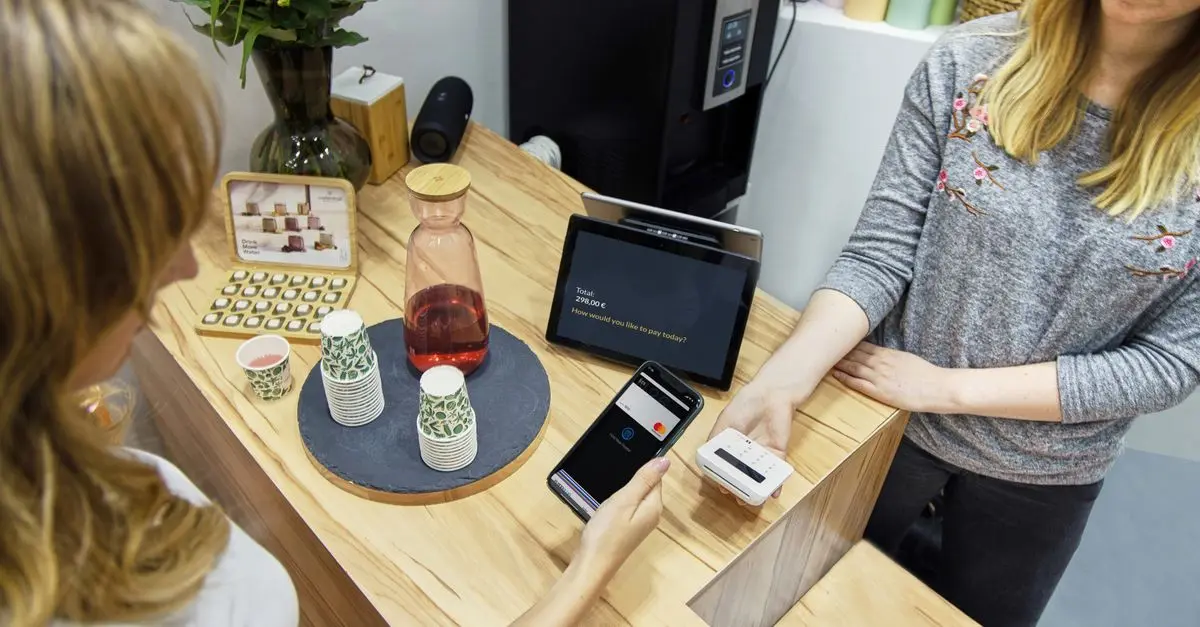
Consider deploying mobile payment solutions that speed up checkout processes and integrate customer loyalty systems that reward frequent shoppers. Additionally, use smart shelves that can alert staff when inventory is low or products need re-stocking, thus optimizing supply chain efficiency. Be mindful, however, to maintain a balance between technology and personal interaction, as over-reliance on tech can alienate some customers. Therefore, ensure that staff is well-trained and ready to assist when necessary.
Step 5: Test and Optimize
After implementing your smart shop layout, continuous testing and optimization are vital. Conduct A/B testing on different layouts or product placements to see what performs best. Utilize customer feedback tools to collect data on their shopping experience.
Regularly assess key performance indicators such as sales conversion rates, dwell time, and customer satisfaction metrics. Refine your layout based on these insights for continual improvement. Moreover, ensuring staff is knowledgeable about the layout and technologies can enhance user experience further. Every successful smart shop evolves; staying attuned to customer needs and technological advancements is crucial.
Checklist for Engaging Smart Shop Layout
- [ ] Define clear objectives for the layout
- [ ] Analyze customer behavior data
- [ ] Design an intuitive flow and pathway
- [ ] Implement smart technologies effectively
- [ ] Test and refine the layout continuously
Glossary
| Term | Definition |
|---|---|
| Smart Shop | A retail space that integrates technology to enhance the shopping experience. |
| A/B Testing | A method to compare two versions of a webpage to determine which performs better. |
| Heat Map | A data visualization technique that shows the intensity of data at geographic points, used in retail to track foot traffic. |
Quiz
> 🧠 Quick Quiz: What is the primary benefit of using smart technologies in shop layouts?
> - A) Reduces costs
> - B) Enhances customer experience
> - C) Increases inventory speed
> Answer: B — Smart technologies largely improve how customers interact with retail spaces, leading to enhanced experiences.
📺 Pour aller plus loin : How to do smart shopping at Siam Discovery Bangkok? complete guide 2026 update and walk tour sur YouTube